Shopping Cart
There are no more items in your cart
Roli Touch Block

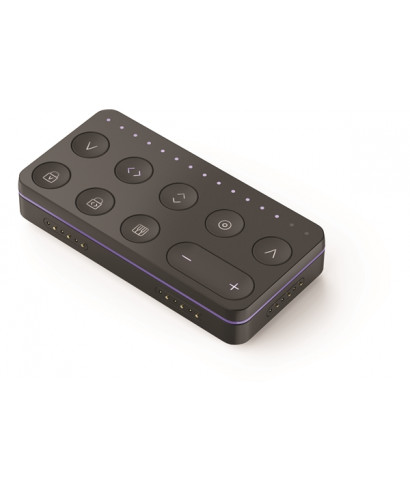
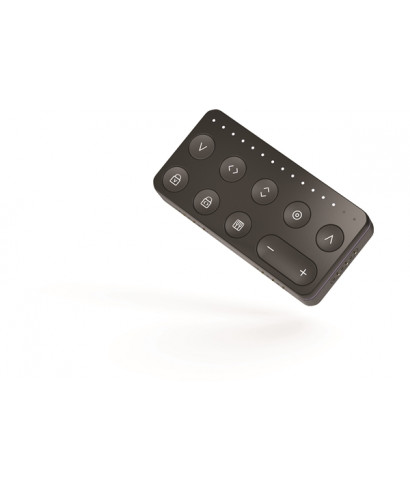
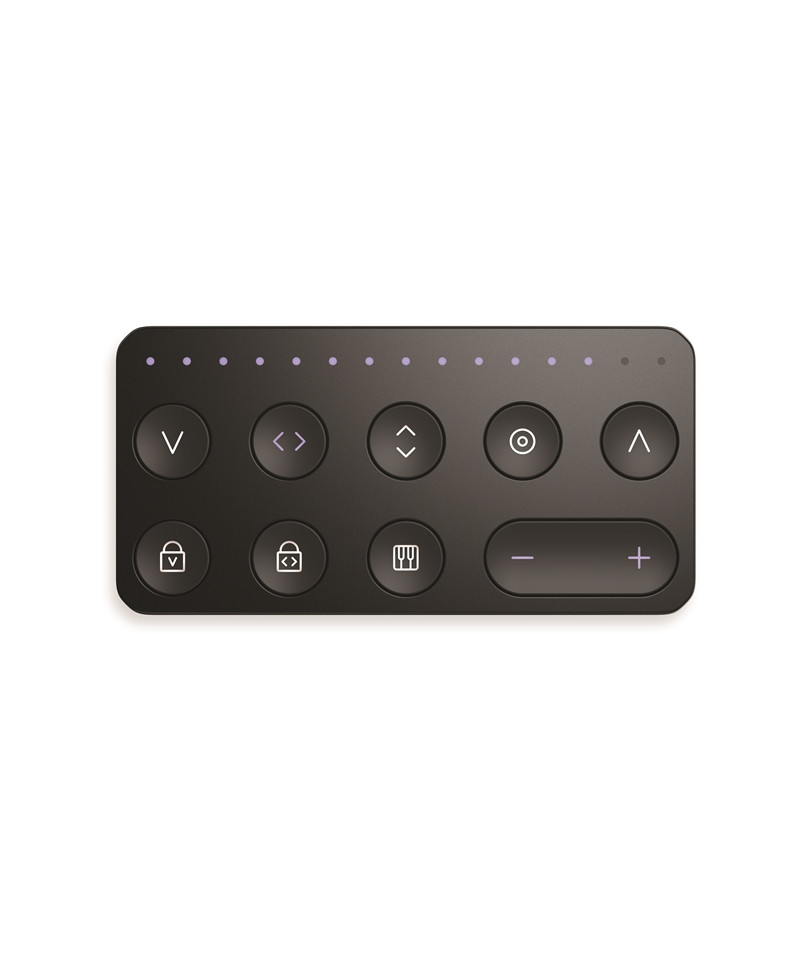
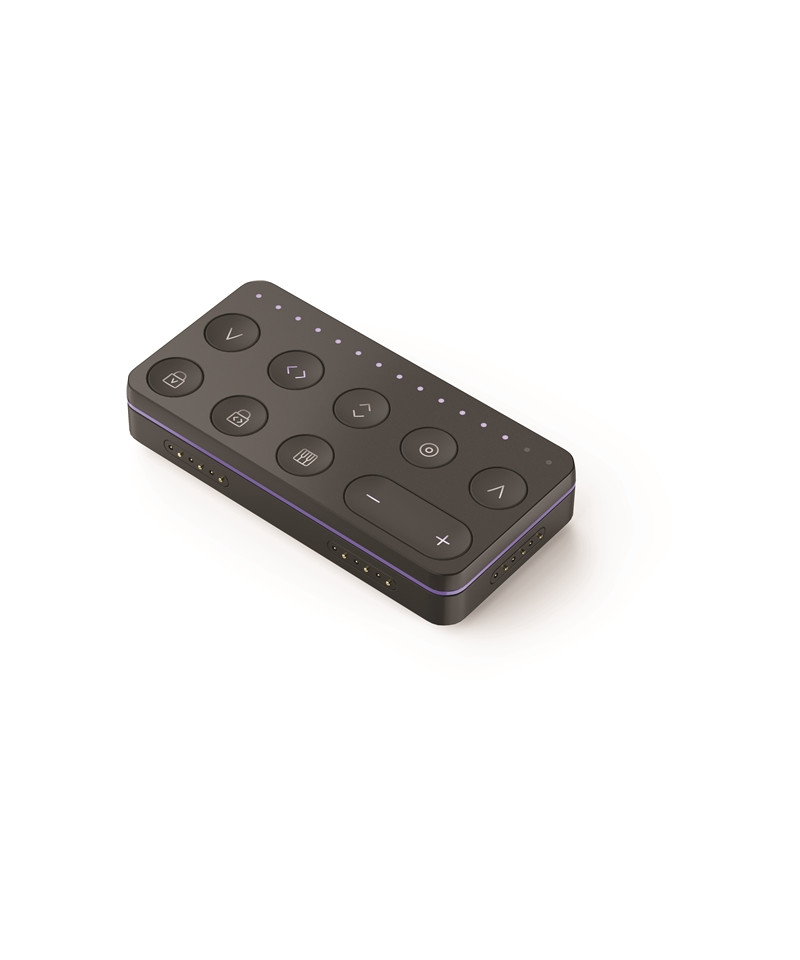
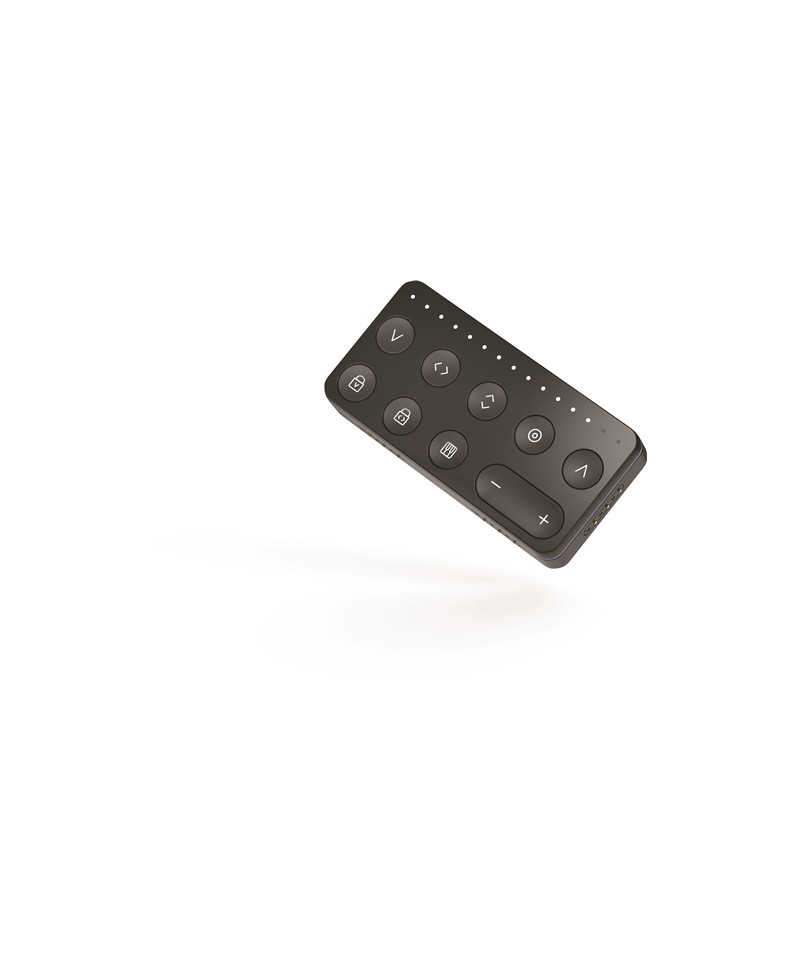

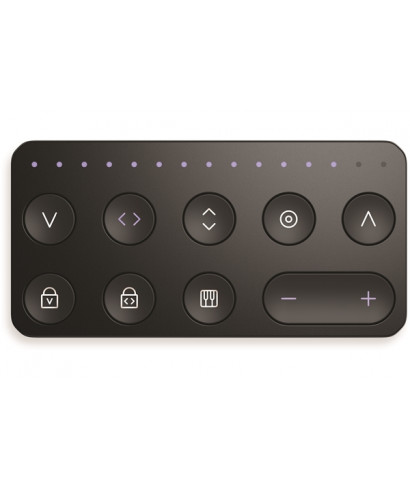
ROLI Touch Block It allows you to manage through your 8 function buttons and the + and keys - The expressiveness of the Seaboard Block and Lighad Block controllers, or the sensitivity of the response to the interaction on the tactile surface. With the parameter Strike Adjust the sensitivity of the Velocity parameter transmitted by the first interaction on the surface.
By setting it to "0", for example, the blocks will reproduce all the notes to the maximum volume, without any sensitivity to the dynamics. Glide It is used to set the seasitivity of the seaboard and the Lightpad Blocks to the movements of the fingers on the horizontal axis. Bringing it to the maximum value, the silicone surface will become continuous, without intervals between a halftone and another, as the keyboard of a violin to speak; Lowering the value the interaction of the fingers on the surface will reproduce a piano-style behavior, thus losing sensitivity on the horizontal axis and the consequent control of pitch bending.
With Slide You can configure the sensitivity of the response to movements on the vertical axis, then dose the modulation on the parameter associated with this control message. The parameter Press varies the sensitivity to pressure, while that Lift It corresponds to the message transmitted once the fingers leave the surface. Strike Lock It allows you to assign a fixed value for the velocity. Glide lock (MODE MADEAR) Sets the duration of the pitch modulation in the transition from one note to another. Mode Removes all control messages not present in a traditional keyboard, enabling the only transmission of note messages and respective velocity.
Features Roli Touch Block:
- Wireless connectivity: Bluetooth le
- Physical Connectivity: 6 Blocks DNA Connectors
- Power supply: Integrated battery
- Battery recharge: connection request to Lightpad Block
- Size and weight: 48x20x94; 160 grams
Tap to zoom