Shopping Cart
There are no more items in your cart
CYCLING 74 Cycling 74 MAX 8 Sturent and Teacher Download
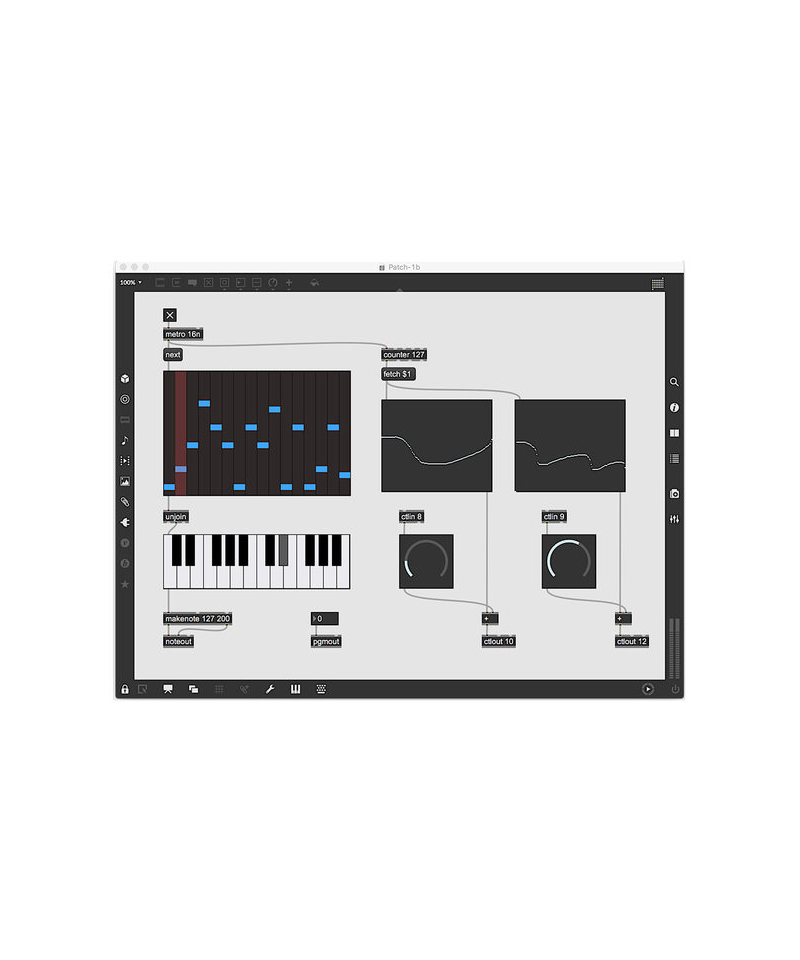

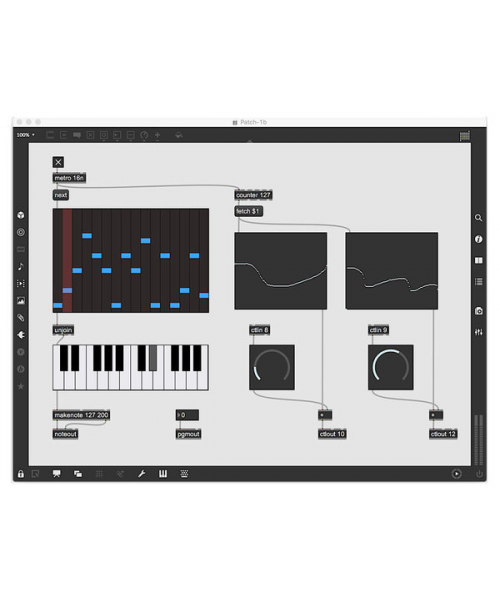
| Educational version dedicated to students and teachers. To finalize the purchase, a frequency certificate or stamped certificate must be sent and signed by the University / Institute manager, together with an identity document, by fax to 06/233243263 or by email to info @strumentimusicali.net. Note: cycling '74 will invier an email containing the code and the procedure to follow for installation. Cycling '74 released Max 8, the latest version of its popular programming language for musicians and visual artists. The latest version includes numerous improvements, including a MIDI mapping function inspired by a DAW that allows you to quickly and easily connect hardware controllers to any interface element. Another new feature for musicians and artists of the MC sound, a new multi-channel audio programming system that can unlock "immense integration sound with simple patching". With MC, patch with 100 audio channels will seem simple like those with a single channel. The ease of manipulating so many channels and operations with so few elements will open a world of new possibilities, difficult to imagine in the past. It could be the closest thing to a drug that can expand the mind that Max has ever had. Some examples of how MC can be used include overlapping of evolving sounds with the most curves of automation and creation of polyphonic synths by assigning MIDI and MPE to individual channel flows. Other additions include Node for Max, which carries the real-time visual programming of Max together with the web node.js programming, a collection of modules for creating images called Vizzie 2 and a general increase in performance speed. Max 8 will also become the base for the Add-On Max Live of Ableton Live in the coming months. E'The first major of max since Ableton has acquired cycling '74 at the beginning of 2017. |
Novit in max 8
- JavaScript, Coll and other text-based objects can open files in an external text editor
- The MAX console toolbar icon NEW MESSAGES or ERRORS
- Publish messages in the MAX console from any patch cord in a single step with the new Print WatchPoints
- New user interface for editing object colors (including algorithmic retouch), saving and loading of palette, etc
- Use the mouse or trackpad to enlarge and scroll large patchers
- The Patcher style system has numerous improvements, including the possibility to eliminate styles
- New options to paste objects including paste and combine style
- The audio signal probe includes the new mode history and capacity
- Updated interfaces for reference features, package managers, browser files and Authorization Window
- The functionality that transforms the attributes modified into topics and improved, in particular for Jitter objects
New objects
- Chooser UI displays a scrolling list, useful for file exploration interfaces and more
- Multirange and a graphic editor for functions that contain value intervals
- Console emits and filters the contents of the maximum console inside the patch
- New MIDI objects for controller messages continuous 14-bit and registered and unregistered parameters
- Gen has a domain version of the events called gen, with the same generation of interactive code and the DSP functionality of his older brother
- New Frame and FramesNap Objects objects simplify work with spectrum data
Compatibility improvements
- Max scan the plugs-In audio, simplifying the use of plug-In "Shell" (like those of Waves and Expert Sleepers). Detects and disables plugs-in with problems
- Max 8 and compatible with the modern features of full-screen Mac OS windows, including card windows
- Max 8 on Windows includes support for Multitouch and Hidpi monitors
- Improved support for multichannel audio file formats
- The duplicate file name alerts list the positions of all duplicate files, not just what max use
Jitter improvements
- Improvements to the WebGL export process of jit.gl.pix
- OpenGL supports design on multiple contexts jit.gl.node simplifying rendering variations from a single geometric origin
- jit.gl.multiple Now you can draw instances jit.gl.node allowing you to multiply the complex geometric hierarchies
- jit.gl.model Now load FBX file, GLTF and OpenGEX
- Improvements to the way Jitter GL objects are automatically adhere to a rendering context without specifying a name
- jit.gl.node and jit.world can generate a description of the entire 3D scene as a dictionary
- jit.gl.slab and jit.gl.shader Without arguments, a default shader file will open with a double click as a starting point for the development of new shaders
Main object improvements
- The VST object now supports plugs-in vst3
- The line object works with multi ramps-segment and compatible with the function object
- The Dial object includes four new modalities: Live, Classic, Needle and Pan; The live.Dial object includes a new large mode
- The object jit.cellblock can monitor audio signals
- The Poly object can accommodate a different patcher in each of its entries and includes a bypass mode
- Poly automatically adds a socket by identifying the voice that sent the last event
- Gen includes a mode @exPR for evaluation of high-performance expressions in a single Object window
- The Message window allows you to change the value of your topics without activating LOUTPUT
- The Gestalt object with system environment information has been profoundly modernized and includes a Dictionary output mode
Tap to zoom