Shopping Cart
There are no more items in your cart




Order it before 12:30 of tomorrow and receive it between on 2/6/26 and 2/10/26 with Corriere Espresso. ESTIMATED DATE.
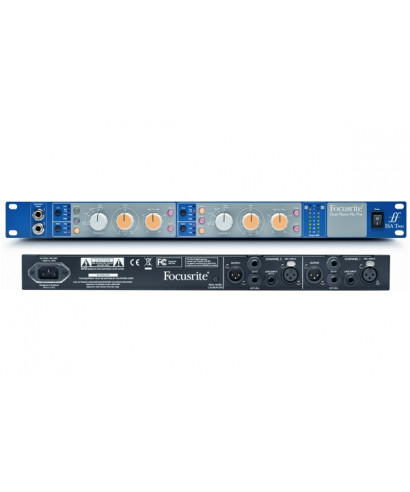
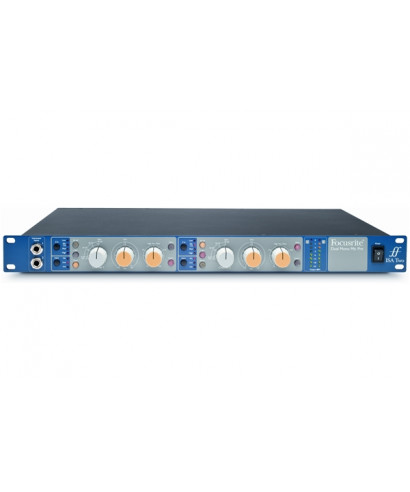
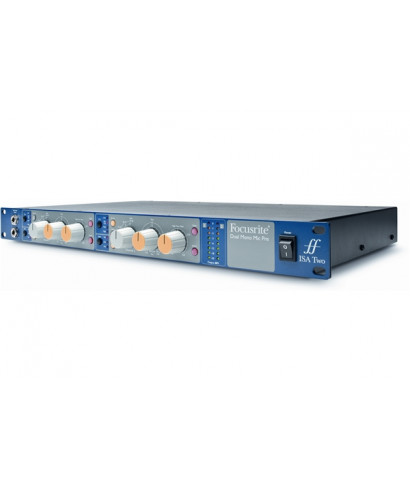
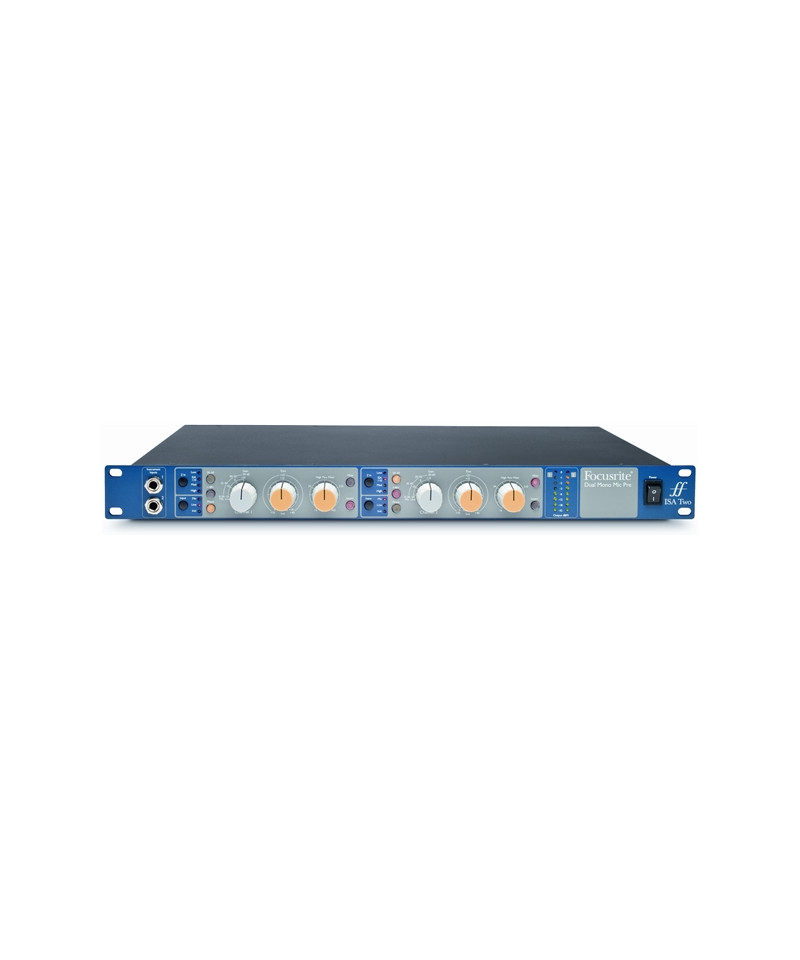
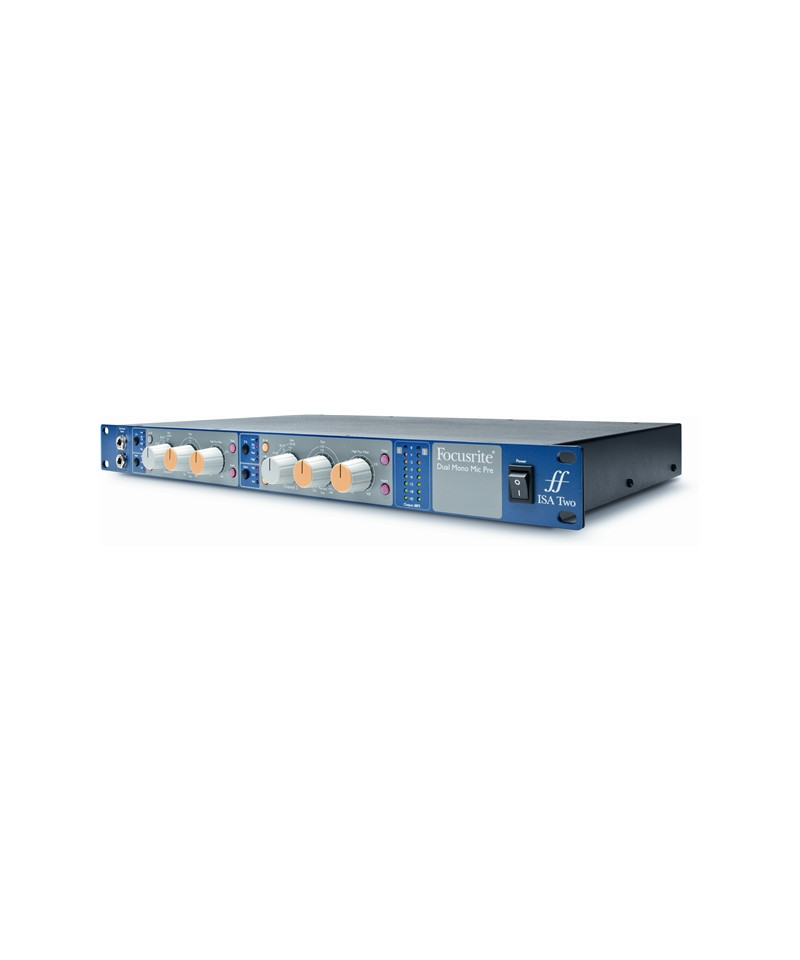
FOCUSRITE presents Isa Two
The history of ISA modules returns to 1985, when Sir George Martin Commission to the legendary designer Rupert snow the creation of new modules for the Air Montserrat console. They had so successful that many others were commissioned for Air London. These original modules constitute the basis for today's ISA series Focusrite - Offering the legendary sounder sound to the main studies, artists, producers and engineers from around the world. Hundreds of record successes have been created - and continue to be created - With the FocusRite Isa Range series.
ISA Two Focusrite puts together a couple of legendary ISAs totally independent ISAs, derived from the original ISA 110 module, combining the best of solid electronics-Traditional State with the original input transformer specified by Rupert Snow - Lundahl LL1538. Two a pleasant number - Ideal for adjusting voice and instrument, or a stereo piano. E Even if you need only 2 microphone preamplifiers, you must absolutely choose the best. (E If you need more, we also have 428 MK II 6-channel ISA 6-channel units).
Focusrite has made a small change to the microphone preamplifier. The original ISA 110 had a unique entry impedance, ideal for the microphones of the time. Isa Two boasts 3 extra impedances, which will allow you to get the best from all your microphones, vintage or modern. Give a vintage microphone the entrance you expect and get a hot traditional sound. Combined ISA Two with modern microphones and you will get the most transparent sound you can imagine. Or tested, pulling the most hidden character out of each microphone. Add everything to a gain up to 80db and you will be ready for anything.
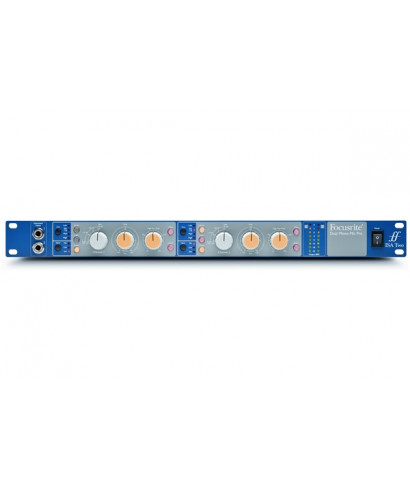
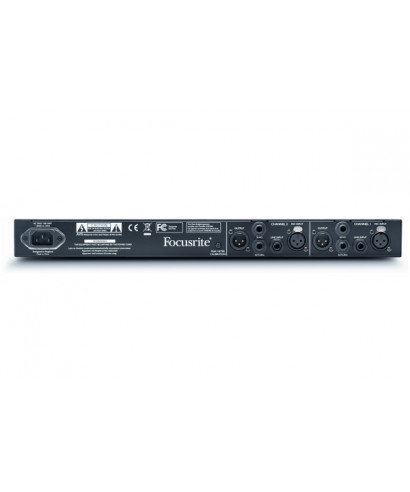
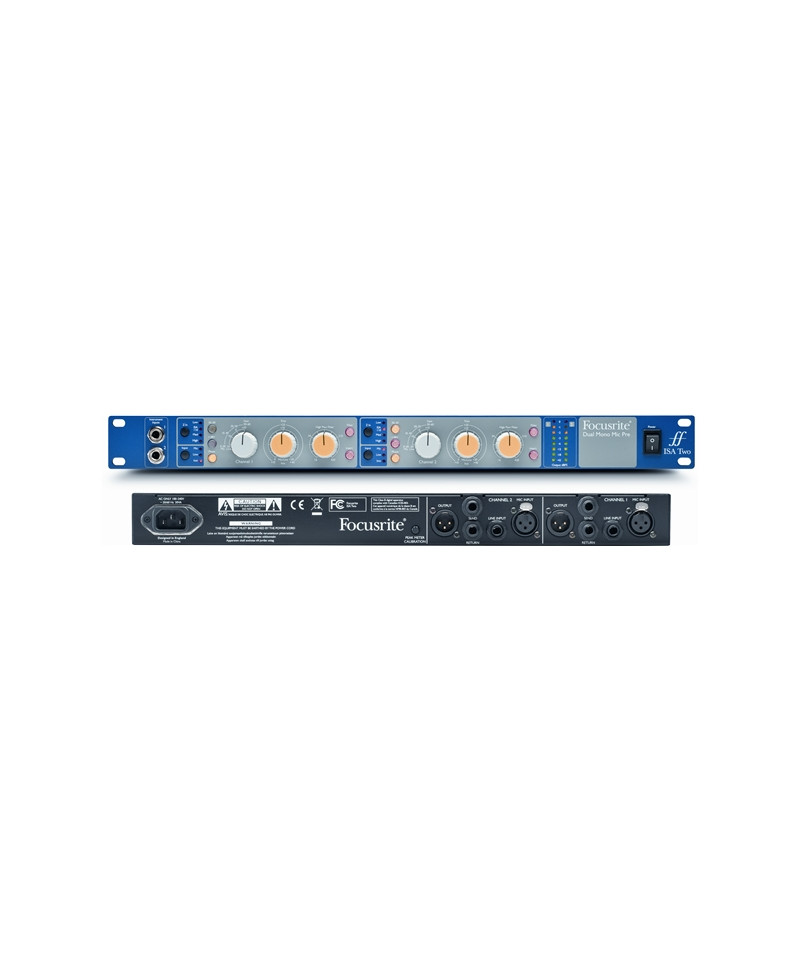
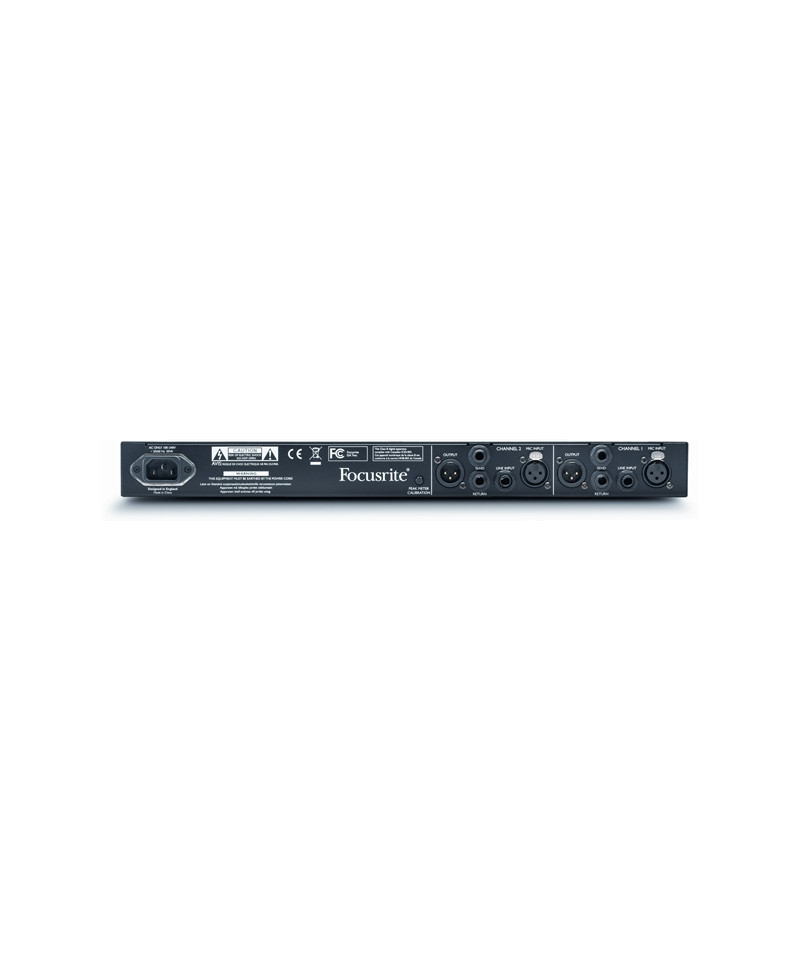
In addition to the pre microphones, the instrument inputs are present on the front panel for quick access, and line inputs on the rear panel. EThere is also a balanced insert point on the rear panel, which can be activated with a front panel button for the EQ inserts, dynamic effects and other processors. Add a 8-calibrated LED meter and a high filter-Pass with variable cutoff and you will have everything you need to get the best quality in your audio recordings.
Main features:
Rupert snow originally chose Logdahl LL1538 as an input transformer for ISA 110. The best input transformer available and used in each Microphone transformer of the ISA series remains.
ISA TWO offers up to 80 dB of clean and no distortion gain. Isa conformation ensures low noise, even to the highest levels of Gain. The transformer provides 20 dB of Gain, while the ISA input stage offers up to 60 dB plis, for a total of 80 dB of maximum gain on the microphone input.
4 Selectable input impedances, including the original ISA 100 adjustment, allow you to combine the preamplifier to your microphone, even if vintage, to get the best possible sound. The impedance is selected via the switch on the front panel and the chosen value remains in memory even by turning off and turning up the unit.
Each channel has a row of 8 LEDs that clearly show the level of your 2 signals. Align the levels of your ISA Two by combining your DAW converters with the calibration knob on the rear panel.
Two Jacks from on the Isa Two front panel ensure immediate access to a transparent entrance. On the rear panel there are also TRS line inputs, and you can go through them directly to select us you want.
Integrated and easily accessible thanks to the large knob and the illuminated button, the same high filter-Extremely regular sound pass with 18DB per octave of the original ISA 110 module. E'Ideal for removing meals, tonsmbles and other high-frequency unwanted sounds and, with a 16 to 420 Hz range, easy to decide what to eliminate and what to keep.
Each ISA TWO channel has its own balanced insert point. Thanks to the TRS connections from 1/ 4, You can connect the signal processor you have chosen and activate / deactivate it via the illuminated switch on the front panel.