Shopping Cart
There are no more items in your cart
Alesis Sample Pad

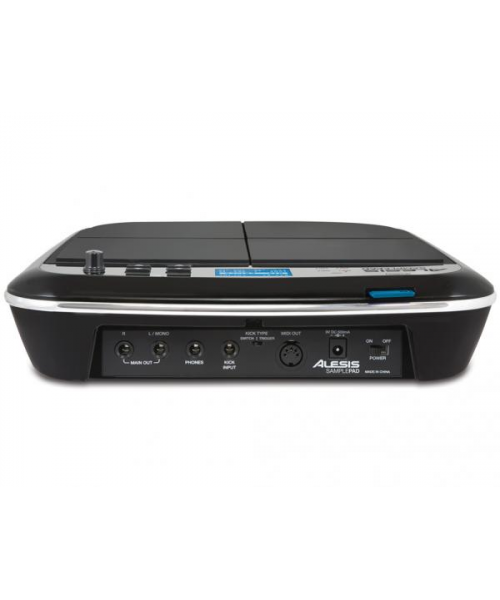
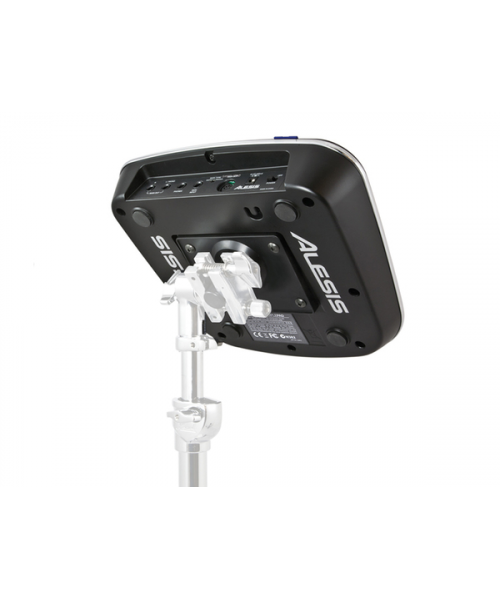
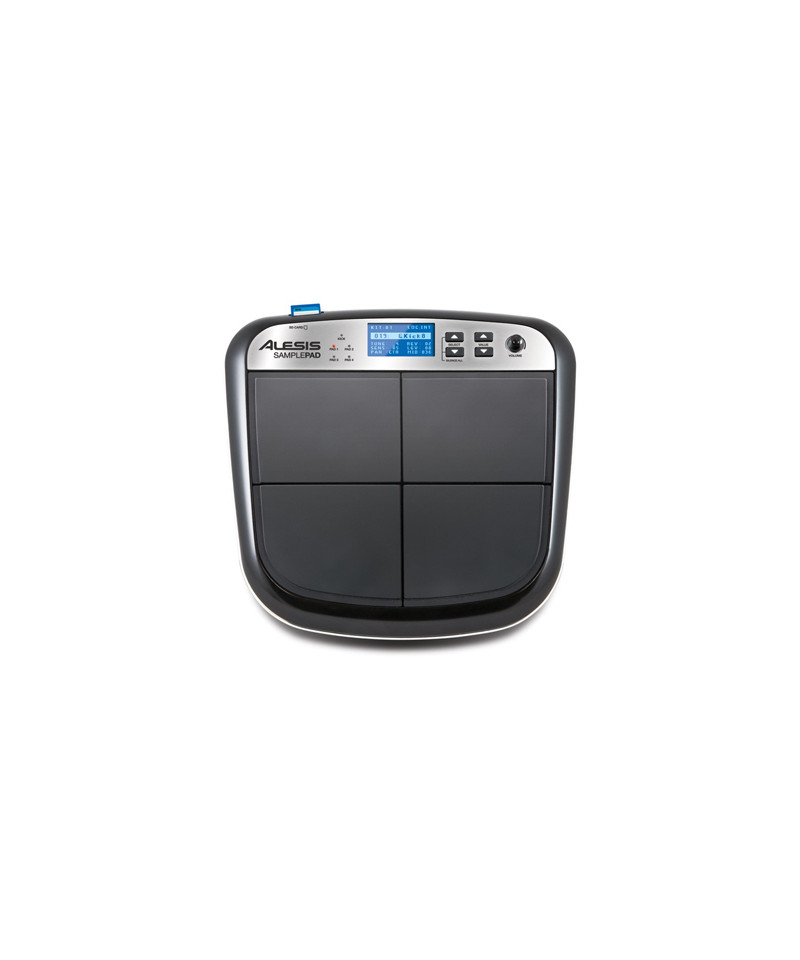
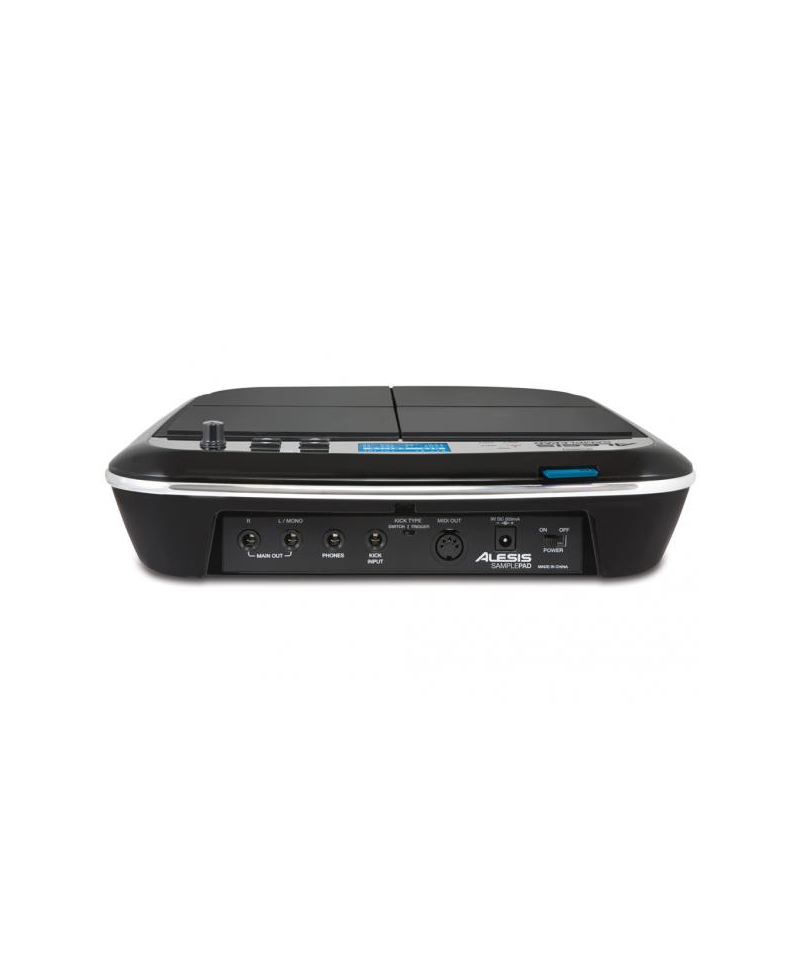

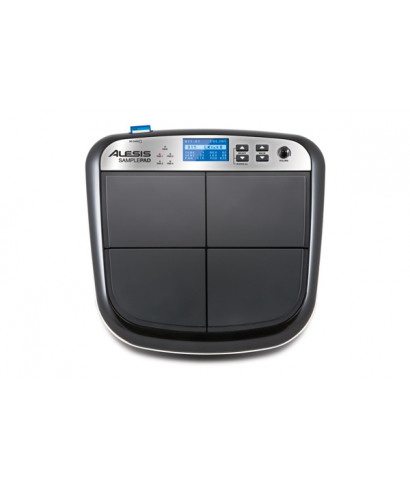
Surface 4 pad with SD card reader
ALESIS, historical brand in the musical market, presents Sample pad
The alesis samplePad is a compact percussive tool with 4 dynamics sensitive pads, which allows you to reproduce an infinite range of sounds. Equipped with an internal module equipped with 25 electronic and acoustic percussion sounds covering the most requested sounds, the SamplePad also allows you to upload audio samples from SD cards.
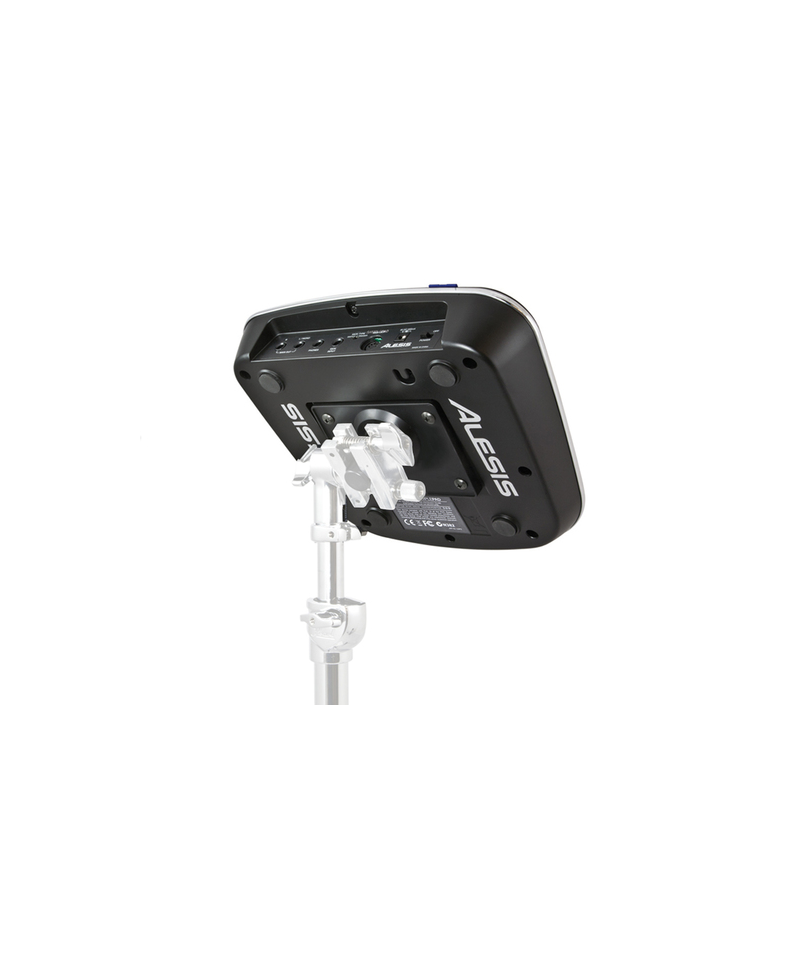
Thanks to a trigger entrance, you can connect another pad to the SamplePad, or a pedal. The instrument can be placed on any snare stand, on the optional stand Alesis Module Mount in order to position it near your battery, or on flat surfaces. For drummers and percussionists, looking for an additional tool for its performance, for DJs or keypads, which wish to integrate an extremely versatile percussive instrument in its live sets, the Sample Pad represents the optimal choice. The Alesis Samplepad is equipped with a stereo audio output on ¼ jack connectors to connect to your audio system, mixer or amplifier, and a headphone output.
At the trigger entrance "Kick Input" you can connect the pads of the DMPAD series, or the Alesis Realhead Kick Pad. The assignment of the sounds to the pad is extremely simple: hit the pad on which you want to load the sound, select the sound you want to play and the game is done. You can create and save, to then call up when you want your presets containing the sound combinations assigned to the pads.
The MIDI output will allow you to use the Sample Pad as a controller for other synths, hardware or software tools installed on your computer (connecting it to a MIDI interface). The samples importable in the module and assignable to the pads via SD card must be mono, with a sample rate of 48, 44.1, 32, 22.05, or 11,205 kHz, and a resolution of 8, or 16bit. The memory available in the instrument is 14MB.
Features:
- DC input: To connect the supplied power adapter
- Power switch (Power)
- Main output: Use standard cables from 1/ 4 "To connect the output to an amplifier. The level of this output is controlled by the VOL knob (to obtain a mono sound, connect only one cable to the left output)
- Headphones: Connect your headphones from this output 1/ 4 "
- Kick pedal entrance: Connect an optional foot switch to this level using a mono cable from 1/ 4 "to use as a grain trigger while playing
- Kick Type Switch: Configure this switch to select the type of trigger for a drum (sold separately) that is used with the appliance. Select "Switch" if you use a pedal or a foot switch. Select "Trigger" if you use a speed sensitive pedal, a pad or a battery-powered trigger
- MIDI output: Use a standard five-pole MIDI cable to connect this output to the MIDI input of an external MIDI device
Tap to zoom