Shopping Cart
There are no more items in your cart
AKAI PROFESSIONAL - MPC Studio 2


Free Shipping
1070019037
New
Out-of-Stock

USB controller for production
AKAI PROFESSIONALpresentsMPC Studio 2
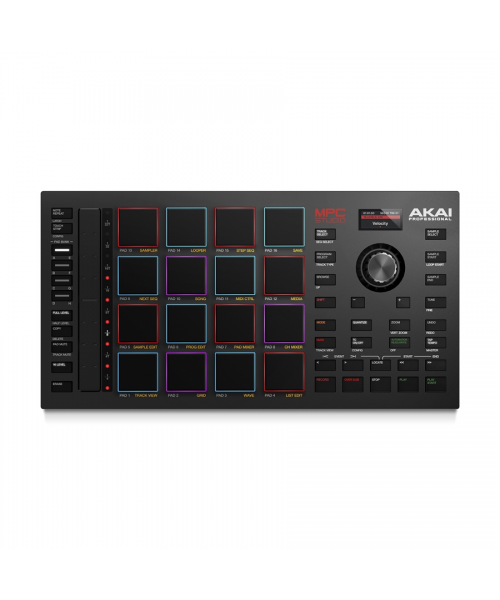
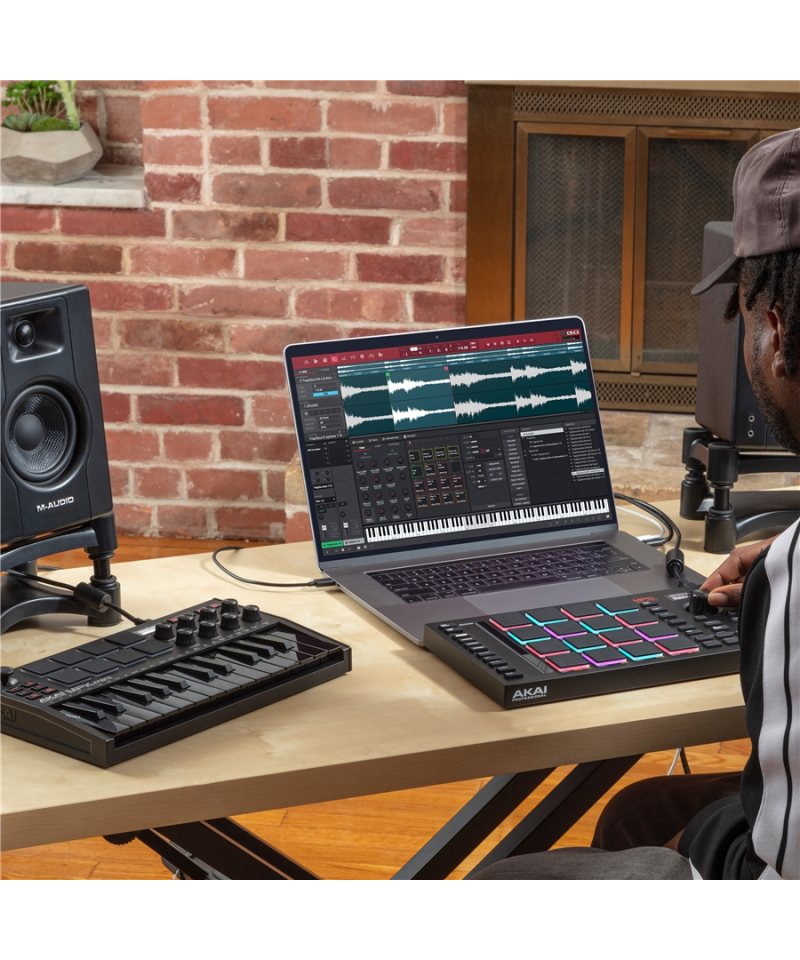
Akai Professional MPC Studio 2 The hardware and software solution to produce music with PC and Mac computers. A controller designed specifically to be physical levension that allows you to interact and manage the softwareMPCFree provided. From MIDI composition Audio alleeing, from mixing to mastering, all in a unique solution.
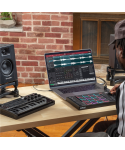
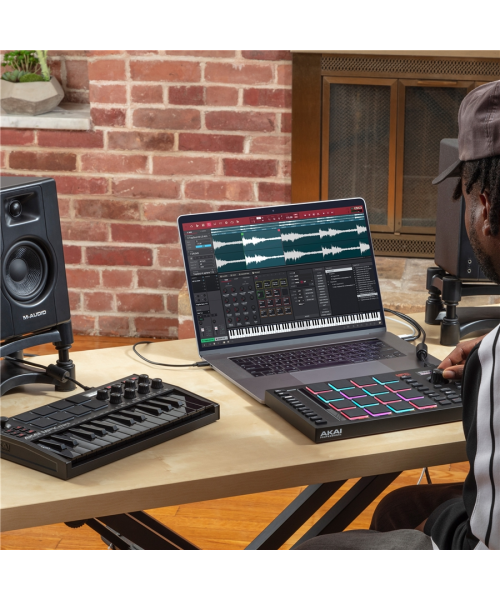
AKAI Pro MPC Studio A hardware and software solution that at an affordable price puts you at your fingertips, on your PC or Mac computer, a musical production experience of the DAW MPCs. A complete combination of an intuitive, immediate and direct hardware controller and innovative software, constant source of inspiration and essential tool to realize your musical ideas. Upload a loop from the library, chop (chop) into individual samples (sample) audio, program or play your rhythmic base (beat), plays the powerful virtual instrument supplied, or your plugs-In favorites to add melodies and agreements. Stand, arrangement and develop your song. Add numerous inclusive effects, automations and transitions into insert.Akai Professional MPC Studiotogether withMPC softwareAnd to your computer make up a real registration studio in The Box (ITB) where you can constantly give vent to your music creativity. What are you waiting? It also enters you to be part of the great international family of producer and professional artists who use MPC daily to produce music.
Quality pad as per tradition AKAI MPC
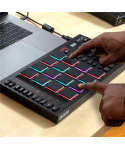
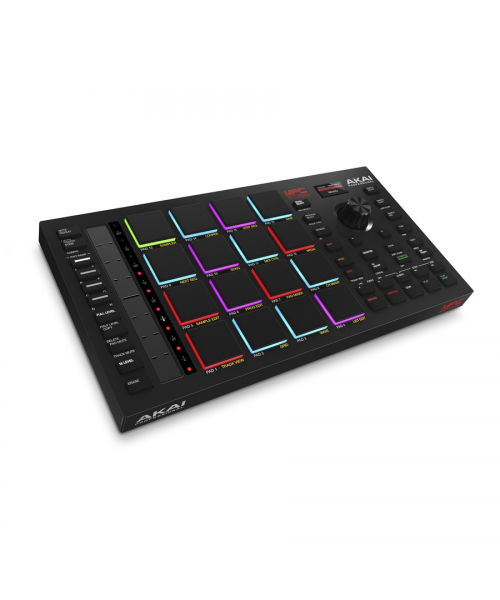
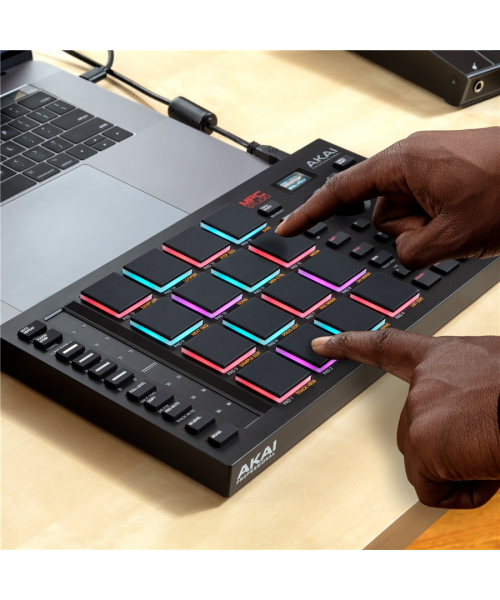
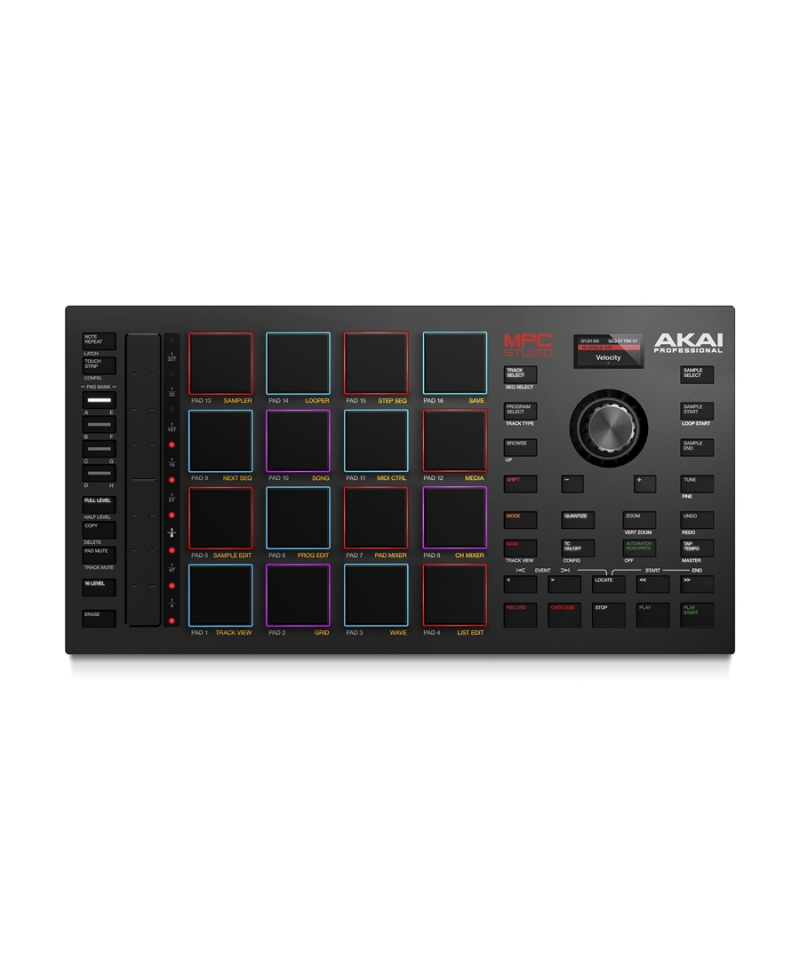
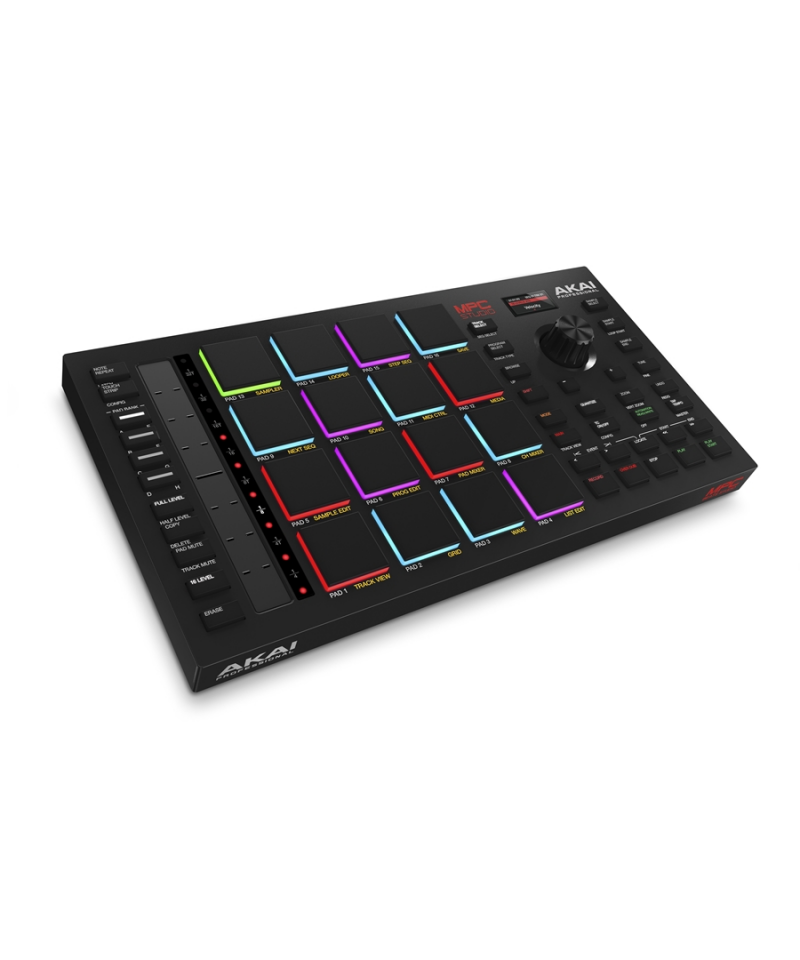
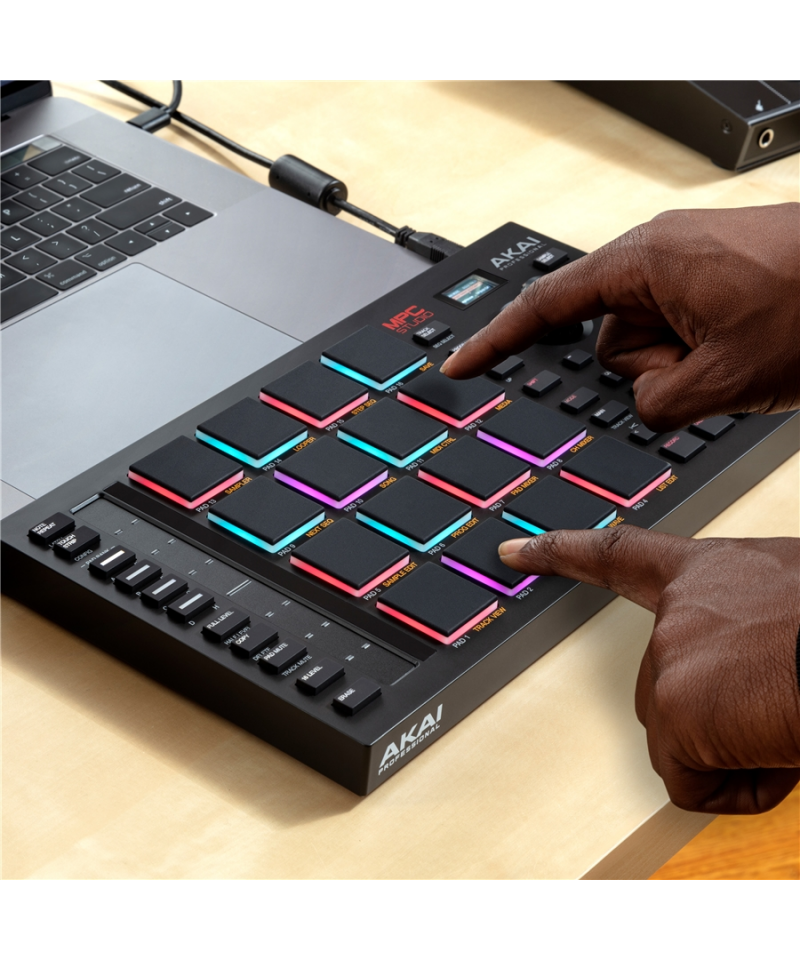
For each beat maker the PAD performances are a priority. WithMPC StudioYou can be sure that every beat and every note that you will play your expectations thanks to the large 3x3cm pads. The 16 pads, which are divided into 8 benches, are sensitive to velocity to guarantee maximum expression to both sound melodies rich in dynamics, or when you want to reproduce the most aggressive kick drums. The multicolored backlight (RGB) allows you to have a visual feedback useful for understanding the velocity value and levant grouping or mode of the pads. With Lecce functionPAP PerformMPC software you can quickly switch from playing melodies in the way known progressions in Chord mode: Maximum versatilit to adapt to your creative vein.
Assignable Touch Strip Control: Massive Expressivit
Manipulates and adapts the sound to your needs in real time via theTouch StripAssignable 140mm. Controls the quantization of the repetitions of the Roll on Hi-HAT For your Trap or snare productions in drops of Drop Edm, manage the strumming of the rhythm guitar parts or filter and intervene on the parameters of Pad and Synth. TheTouch StripyourAkai Professional MPC Studio 2It becomes a physical extension of any parameter of the MPC software that you can manipulate in real time in your live performances or record in the form of automation in music production in the studio.
Color LCD screen
Extremely intelligible, the color display of the MPC Studio supports your MPC software control experience allowing you to have Sotto, without necessarily having to watch the computer screen, parameters and respective values, both in the search phases and loading of sounds, sample and Plugin presets, both during lediting.
MPC Studio includes free MPC2 software
Laccolated softwareAkai Professional MPC2Works in perfect symbiosis with the MIDI USB Controller MPC Studio for a beat makeing experience and immediate and complete musical production. This DAW software combines a 128-track sequencer, real-time time stretching, advanced MIDI editing, VST compatibility and a rich effects to create and finalize up to the mastering tracks and entire tracks. MPC2 software includesAir Vocal Suite, a set of plugs-In to record and produce voice parts in the State of the State, which includes the correction of automatic, Chorus and Harmonizer intention. On the front of the integrated Virtual Instrument we find excellent tools from the rich preset and parameters to meet any sound need and musical genre: Air Hype, Air Mellotron, Air Soline, Wayoutware Odyssey and others. Many are the insert effects developed byAir Music Techavailable in this DAW software, including aLimiteroptimized for theMasteringprofessional. MPC Studio includes a rich sound equipment, tools, audio samples (loops and onshots), plug effects-In (one hundred between synths and effects) applicable in insert and delivery that allows you to close a music project with professional quality, without resorting to additional software applications.Everything you need to produce music, make a computer mix and mastering in a professional way.
Features AKAI Professional MPC Studio 2:
- MIDI USB Controller for MPC software
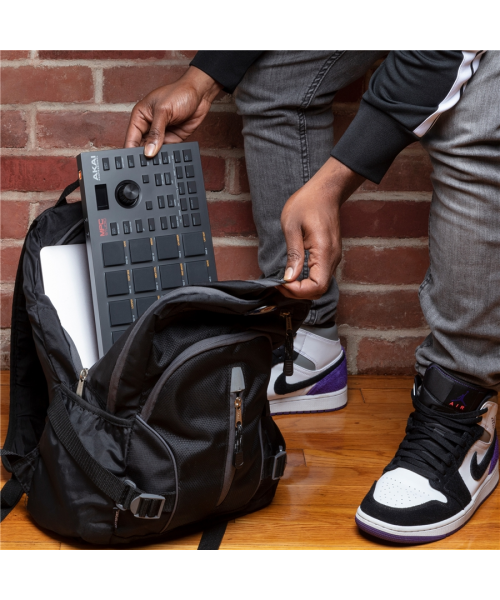
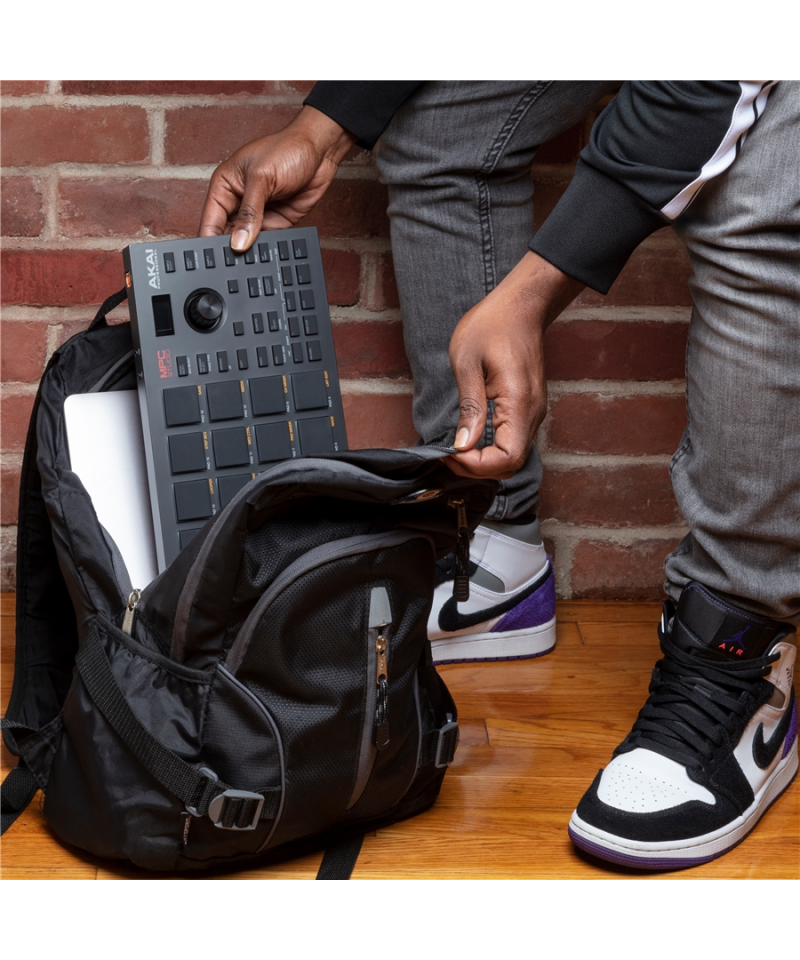
- Direct power via USB for maximum portability
- MPC 2 software for PC and Mac supplied
- DAW experience complete from production to mastering
- 16 backlit pads (RGB) sensitive to pressure and dynamic
- 16 XX30mm articulated pads on 8 benches
- Pads optimized to play notes, agreements, batteries and percussion
- Color LCD display for visual feedback (browser, editing, parameters)
- 14cm Touch Strip for real-time management of parameters
- 360 rotary encoder with push function
- 39 backlit buttons for access to functions
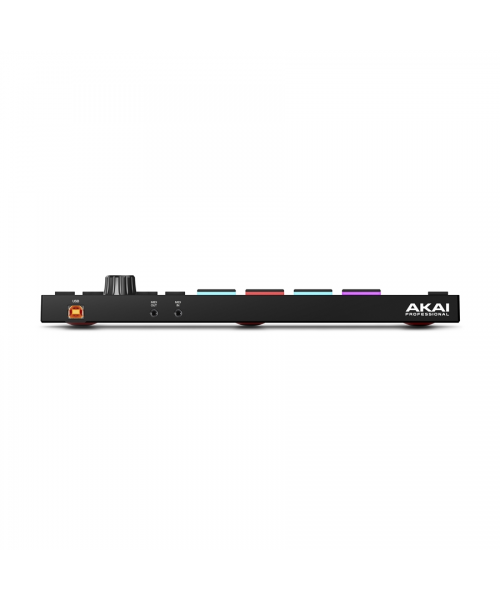
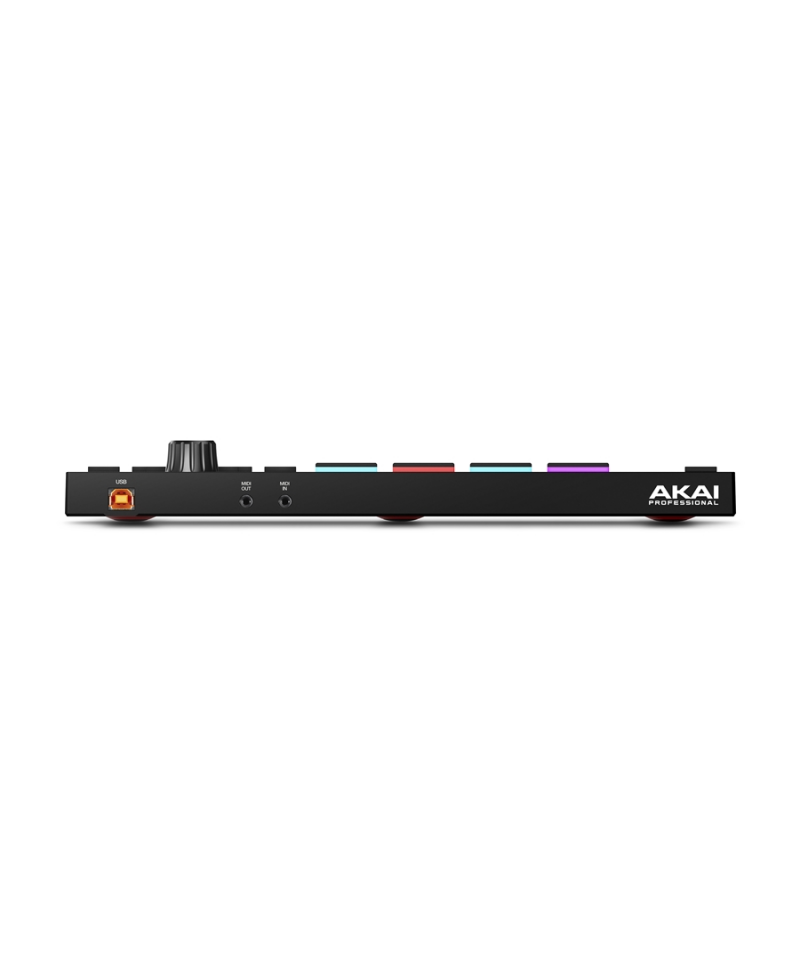
- MIDI input and output on mini connectors-Jack Type a 3.5mm (18)
- MIDI TYPE adapters included included
- Type B USB connector
- USB cable B to supplied
- Dimensions and weight: 305x171x37mm; 0,83kg
- Includes 10GB Sounds and Loops Products from Decap, F9 Audio, MVP Loops, Rawcutz, Snipe Young
How to get MPC software for your MPC Studio 2
- Create an account on the site
- Record LAMPC Studio 2 by entering the serial number you find under the barcode
- Click on See Details, Download and Offers at the MPC Studio, then on MPC Studio 2 Installer Download the Installer version for your operating system.
- Install LMPC Studio Software Managersul your computer
- Open the SoftwarePC Studio Software Manager Follow the instructions on the screen
- You will be asked to connect the MPC Studio to the computer via USB
- Select the software you want to install / update, ensuring that you are also selected Driver Linstaller and the Update firmware for your MPC Studio 2. Proceed to download and installation!
- Once you install your MPC studio drivers you may need a computer restart. Follow the instructions on the screen.
Important
Akai Professional MPC Studio 2 Uncontroller USB specifically designed for use with theMPC softwareFree provided in dotazione.Non Equipped with internal sounds it works exclusively by sending control messages that will be translated into the MPC software; Sound that then uses from your interface or sound card. This product is not provided with an audio unusual and levole latency depending on the drivers of your interface or sound card.
To configure audio inputs and outputsIn the MPC software, access the windowPreferences, then under the itemAudio Deviceto then select the drivers of your audio interface in the drop-down menOutputandInput.
Tap to zoom