Shopping Cart
There are no more items in your cart


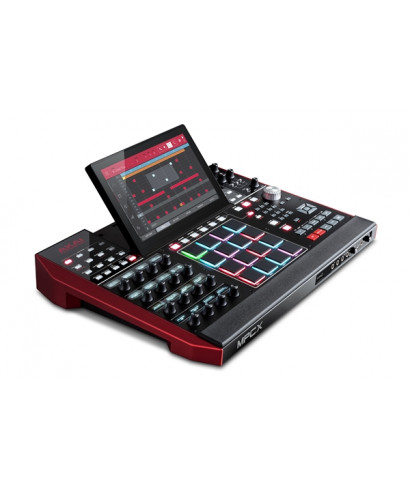


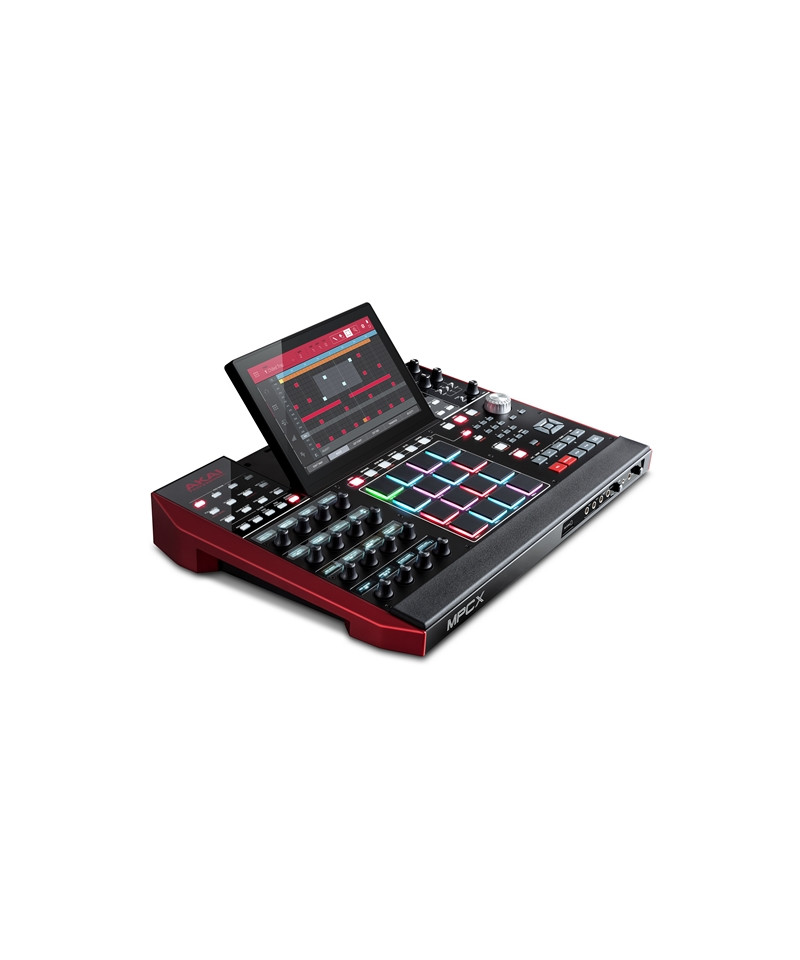


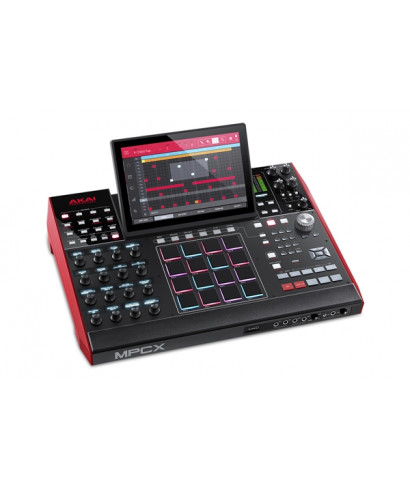
Akai Professional MPC X The full and innovative standalone music center never realized, usable in the studio and live, with or without a computer.
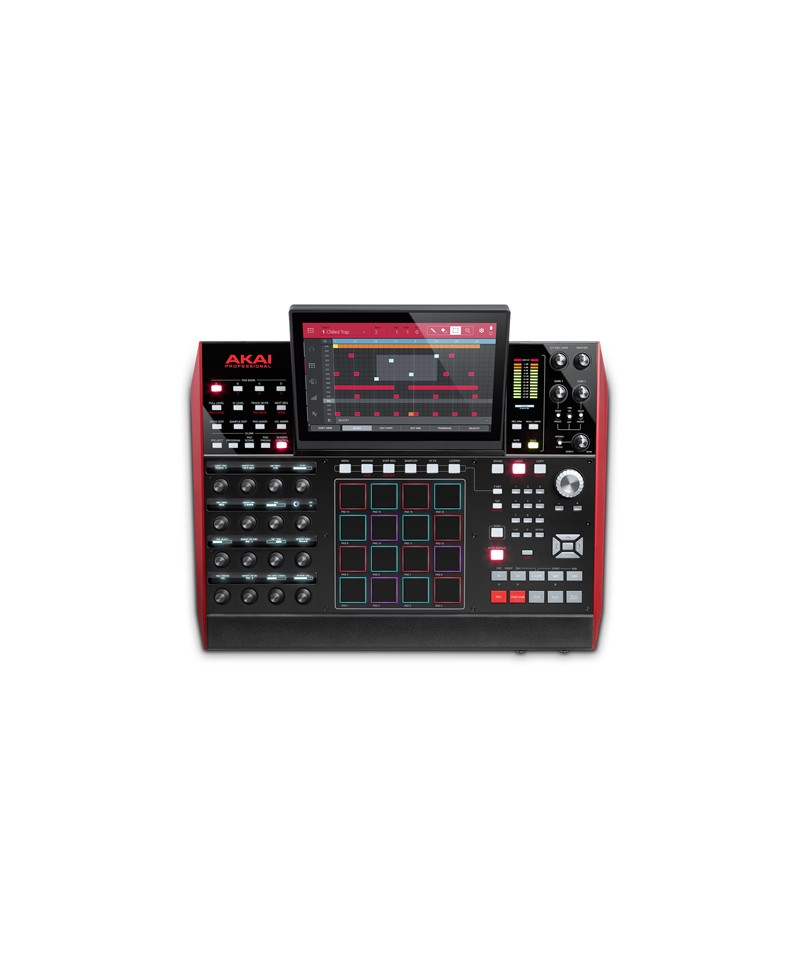
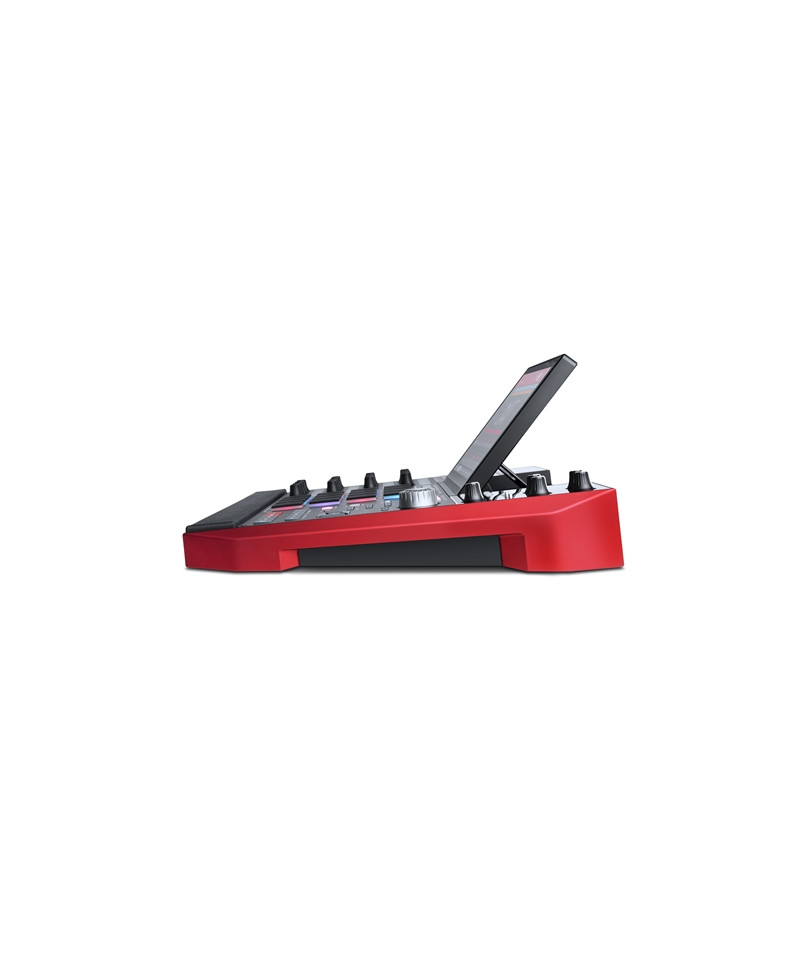
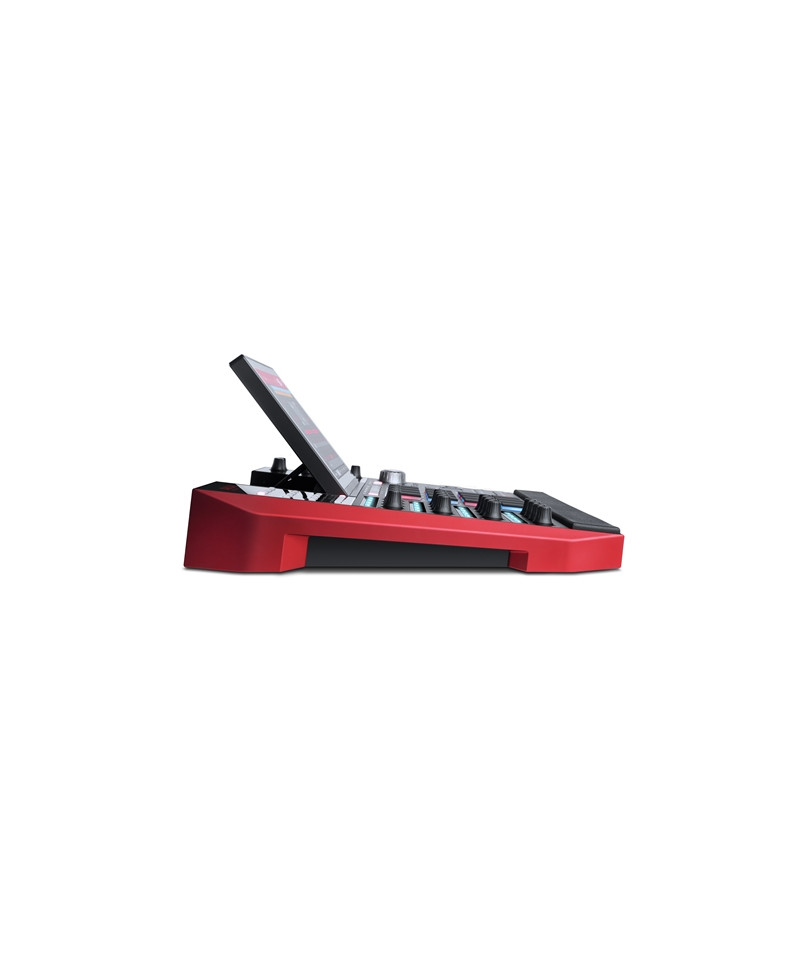
Based on the immediacy of interaction, on the performance and work method already adopted by the latest generation MPC controller series, Akai Professional MPC X LMPC ideal for musicians, Beatmaker, Live Performer and music producers eager for work professionally on a single independent hardware platform, which is still integrated in any set-Up hardware and software. From a physical point of view, the product occurs with a multi display-10 color touch,1 Capacitive, adjustable, flanked by 16 pads sensitive to pressure and backlit velocity (RGB), from 16 rotary potentiometers (Q-Link to 360) Tact sensitive Each with its own OLED display for the parameter display, and as many as 66 buttons for immediate access to functions.
The instrument engine is based on a multi processor-Integrated core, dedicated RAM and 16GB mass memory possibly expandable by the user with SSD or HDD 2.5 HDD drives. The new launch clip function with real-time time stretch for audio loops (max length 16 measures each) Available on each trace of the absolute exclusive sequence in the hardware stand field-Alone, who adds to the countless and historic sampling functions evolved here thanks to the multi display-Color touch that allows direct fingering lediting on the Donda shape, with Grab and Pinch, programming in step sequencer mode, recording, playback and editing of audio / midi / cv sequences in addition to the application of effects in real time. 8 Instead, the usable audio tracks are, which support entire tracks, for mashup or remix, with time stretch and editing functions.
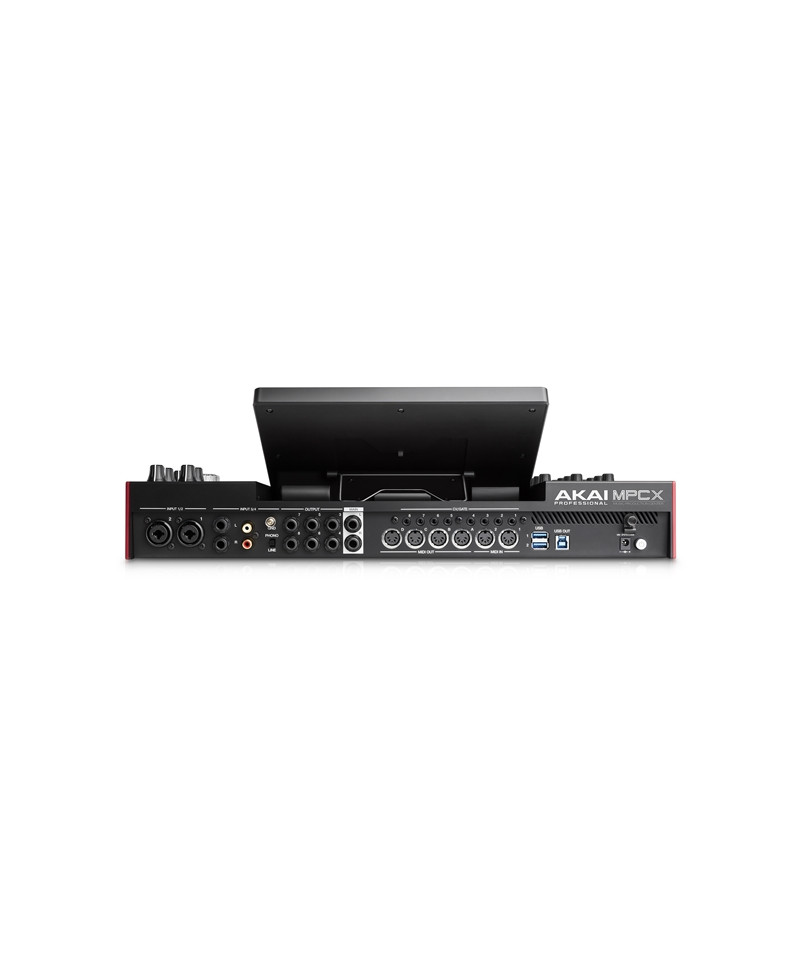
The incredible MPC X connectivity, with its 4 audio inputs that can be used simultaneously, selectable between 3 pairs of connectors: 2 Combo (XLR / Jack) with Switch for Phantom power supply, 2 Line jack (placed in the front panel), or two PHONO RCA inputs. 8 The assignable audio jack audio outputs (TRS), 4 outputs and 2 MIDI inputs on DIN connectors and 8 the configurable cv / gate outputs. MPCX therefore integrates to perfection in any set-Up Live or Studio, even if composed of numerous MIDI and analogue tools such as Synths, Modular, Expander, Drum Machine, Groovebox, etc. All pilotables from the powerful integrated sequencer that offers different types of tracks: MIDI for internal programs, MIDI for external tools, CV, launch clips, etc. connected to computer via USB, the AKAI Professional MPC X becomes controller and audio interface / MIDI for PC and Mac, integrating so perfectly with the new version 2 of the MPC software usable both as independent software and as a plug-Ininring the most common DAW software.
Features AKAI Pro MPC X:
- Functionality standalone for use in the absence of computers
- Control Surface and sound card for MPC 2.0 software (Mac & PC)
- Multi processor-core
- 16GB of internal capacity
- 10 display,1 multi-Touch in color
- 16 sensitive touch potentiometers with OLED display
- 66 buttons for direct access to functions
- 4 Selectable audio inputs between: 2 combo (XLR / Jack), 2 Jack Line from, Phono (RCA)
- Phantom power supply available on XLR
- Novit for MPC: 8 audio tracks with Time Stretch
- Novit for MPC: Tracks Clip Launch
- 8 assignable TRS jack outputs
- Two headphone outlets on mini-jack 1/ 8 and jack from
- 4 outputs and 2 MIDI DIN inputs
- 8 configurable CV / gate outputs for analog / modular synth control
- 2 Jack connections for connecting configurable control pedals
- 2 USB sockets-A 3.0 for additional MIDI pens or controllers
- USB port-B for connection to PC computer, or Mac
- SD SD card for loading samples and projects
- Sub-fund with 2.5 SATA Drive connector for SSD or HD expansion
- More than 10GB of sounds and loops produced by CR2, Toolroom, LoopMasters, Capsun Pro Audio, etc.
IMPORTANTE PER LUSO CON COMPUTER:
A) Before buying MPC X make sure your computer responds to the minimum system requirements recommended on the manufacturer's website. NB: consider that the minimum system requirements are calculated in the use of the MPC software only, so if you want to use it together with other DAW software applications, plug-In, or Virtual Instrument may not be enough. Therefore, at the specific requests in general in the field of computer music.
B) Before connecting to the USB port of your computer Lakai Professional MPC X, make sure you download and then install dedicated drivers for your operating system, which you can find by visiting this link on the manufacturer's website:http://www.akaipro.com
C) to download additional content (software, samples, etc.) supplied with your product:
1) Create a user account on the site https://www.akaipro.com/my-account
2) records the hardware tool you purchased (it is necessary to find the serial number that you find under the barcode usually reported on the bottom of the product)https://www.akaipro.com/my-account/product-registration
3) Registered the product, in your account https://www.akaipro.com/my-accountYou will find Lelco of Akai Pro hardware products from you purchased over time. Each product will be accompanied by the various links to download software, samples libraries and / or virtual tools and related serial codes / numbers.
D) For authorization problems or recording of the MPC software you will have to contact the Akai Professional directly using the dedicated form. For more information on this, see our technical support section:www.eko.it/supporto#mpc-software
E) The use of authorization codes, ie the download and activation of the software provides the right of withdrawal as per art. 59 point "or" of the consumption code.
F) EKO Music Group does not responsible for technical, commercial and installation of demo, trial, lite and third-party software products supplied and / or used in trademark products distributed by Eko Music Group. Eko music group nothing can not even in the authorization procedures for these software, as they can be performed directly on the websites of the software producers themselves, and with which the EKO Music Group S.P.A. It has no collaboration relationship and cannot intervene about the resolution of any problems. We also remind you that installing the software, the user accepts the terms and conditions proposed by the software manufacturer through a dual license, whose specifications we invite you to read carefully.
"